
PWA + Firebase Offline Mode: Building Apps That Work Anywhere
TL;DR
Combining PWA service workers with Firebase's offline persistence creates apps that feel instant and work without internet. Service workers cache your app shell, Firebase caches your data, and users never see a loading spinner. In this guide, we'll show you exactly how ChibiCart achieves sub-second loads and seamless offline shopping—with real code you can steal.
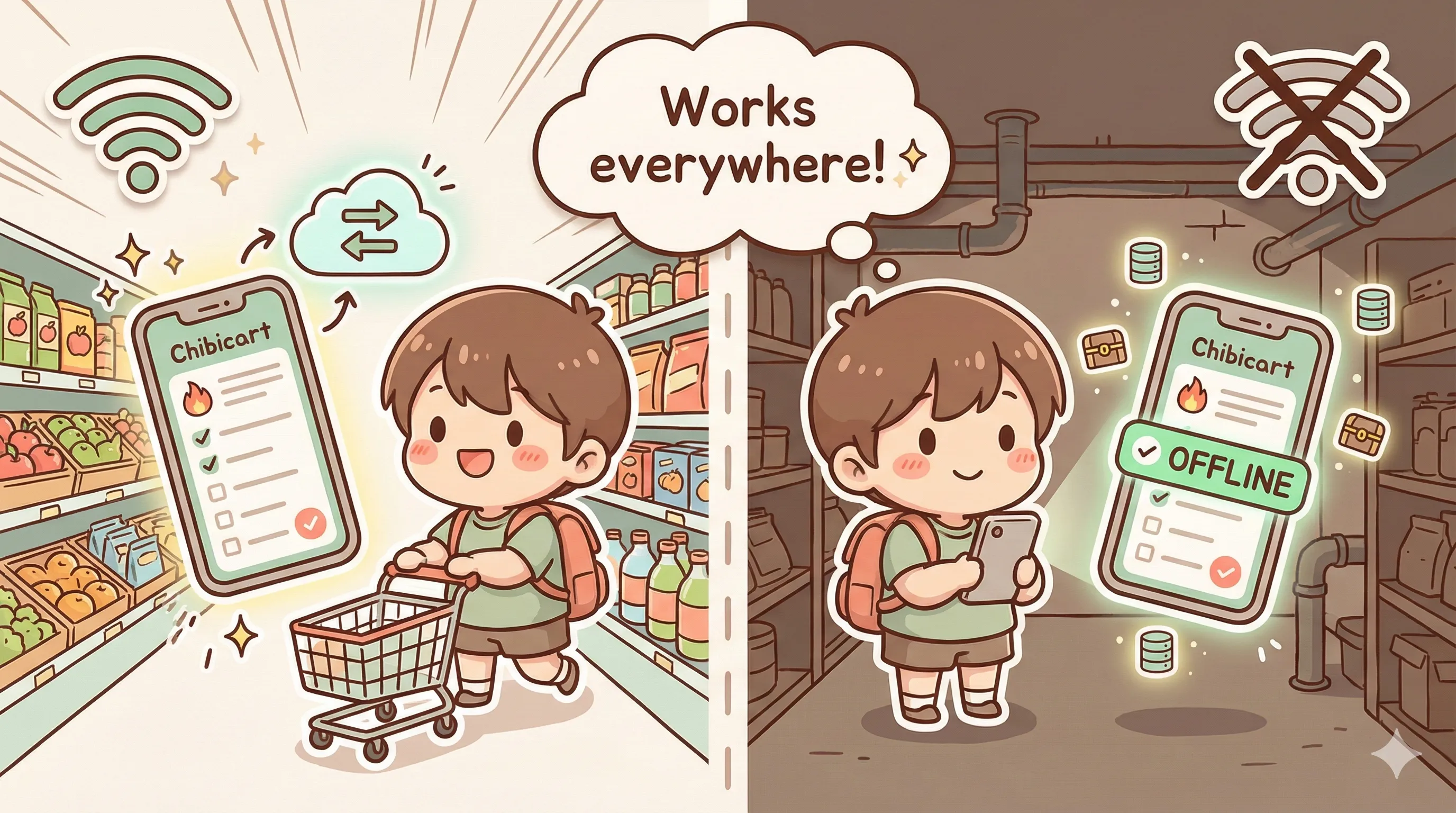
The "Grocery Store Basement" Problem
We've all been there. You're in Costco, Target, or some massive warehouse store. You pull out your phone to check your shopping list and... nothing. No signal. You're three floors underground surrounded by steel shelving and concrete walls.
Your options with a typical app:
- 😤 Stare at a loading spinner
- 🚶 Walk to the store entrance for signal
- 🤔 Try to remember what you needed
- 📝 Screenshot your list next time (pro tip that shouldn't be necessary)
This is exactly why we built ChibiCart as an offline-first app. Your shopping list should be available the moment you need it—zero network required.
The Two-Layer Offline Strategy
ChibiCart's offline capability comes from two technologies working together:
| Layer | What It Caches | Technology |
|---|---|---|
| App Shell | HTML, CSS, JS, images, fonts | Service Worker (Workbox) |
| User Data | Shopping lists, items, settings | Firebase Firestore |
Together, they ensure that everything you need is already on your device before you lose signal.
Layer 1: Service Worker Caching (The App Shell)
Service workers are JavaScript files that sit between your app and the network. They can intercept requests and serve cached responses—even when offline.
What We Cache
// next.config.js - PWA configuration
const withPWA = require('next-pwa')({
  dest: 'public',
  register: true,
  skipWaiting: true,
  runtimeCaching: [
    // Static assets - cache first
    {
      urlPattern: /\.(js|css|woff2?)$/i,
      handler: 'CacheFirst',
      options: {
        cacheName: 'static-assets',
        expiration: { maxEntries: 100, maxAgeSeconds: 30 * 24 * 60 * 60 }
      }
    },
    // Images - cache first with fallback
    {
      urlPattern: /\.(png|jpg|jpeg|svg|gif|webp)$/i,
      handler: 'CacheFirst',
      options: {
        cacheName: 'images',
        expiration: { maxEntries: 200, maxAgeSeconds: 7 * 24 * 60 * 60 }
      }
    },
    // API calls - network first, fallback to cache
    {
      urlPattern: /\/api\//i,
      handler: 'NetworkFirst',
      options: {
        cacheName: 'api-cache',
        networkTimeoutSeconds: 10
      }
    }
  ]
});
Caching Strategies Explained
🏃 Cache First (Static Assets)
Check cache first, only hit network if not cached. Perfect for JS, CSS, fonts—things that rarely change.
🌐 Network First (API Calls)
Try network first, fall back to cache if offline. Good for data that should be fresh when possible.
🔄 Stale While Revalidate (Dynamic Content)
Serve cached version immediately, update cache in background. Best for content that can be slightly stale.
Layer 2: Firebase Firestore Offline Persistence
Service workers handle the app itself. But what about your actual data—your shopping lists, items, history? That's where Firebase Firestore shines.
Enable Offline Persistence
// lib/firebase.ts - Enable Firestore offline persistence
import { initializeFirestore, persistentLocalCache } from 'firebase/firestore';

const db = initializeFirestore(app, {
  localCache: persistentLocalCache({
    // Optional: configure cache size (default is 40MB)
    // cacheSizeBytes: 100 * 1024 * 1024 // 100MB
  })
});

// That's it! Firestore now automatically:
// ✅ Caches all reads locally
// ✅ Queues writes when offline
// ✅ Syncs when connection restored
With just these few lines, Firestore becomes your offline database. Every document you read is cached locally. Every write you make offline is queued and synced when you're back online.
How Offline Writes Work
When you add an item to your shopping list while offline:
- Firestore immediately updates the local cache
- Your UI reflects the change instantly
- The write is queued in IndexedDB
- When online, Firestore syncs automatically
- If there's a conflict, Firestore resolves it (last-write-wins by default)
Handling Real-Time Sync with Shared Lists
ChibiCart supports shared shopping lists—multiple people editing the same list. This gets interesting with offline mode.
Real-Time Listeners That Work Offline
// Real-time listener with offline support
const unsubscribe = onSnapshot(
  collection(db, 'lists', listId, 'items'),
  { includeMetadataChanges: true },
  (snapshot) => {
    const items = snapshot.docs.map(doc => ({
      id: doc.id,
      ...doc.data(),
      // Track if data is from cache or server
      isFromCache: snapshot.metadata.fromCache
    }));

    setItems(items);

    // Optional: show sync status
    if (snapshot.metadata.hasPendingWrites) {
      showSyncIndicator('Syncing...');
    } else if (snapshot.metadata.fromCache) {
      showSyncIndicator('Offline');
    } else {
      hideSyncIndicator();
    }
  }
);
The includeMetadataChanges option lets you track whether data is from cache or the server. We use this to show a subtle "offline" indicator—but the app works identically either way.
Performance Wins: The Numbers
Here's what this architecture achieves for ChibiCart:
| Metric | First Visit | Repeat Visit | Offline |
|---|---|---|---|
| App Load Time | ~1.5s | ~400ms | ~300ms |
| Data Load Time | ~800ms | ~50ms (cache) | ~10ms |
| Interaction Ready | ~2s | ~500ms | ~400ms |
| Works Without Network | ❌ | ✅ | ✅ |
The key insight: Repeat visits are faster than first visits because everything is already cached. Offline is actually the fastest experience because there's zero network latency.
Best Practices We Learned
1. Optimistic UI Updates
Don't wait for the server. Update the UI immediately, sync in background.
// ❌ Bad: Wait for server
const addItem = async (item) => {
  await addDoc(collection(db, 'items'), item);
  // User waits for network round-trip
};

// ✅ Good: Optimistic update
const addItem = async (item) => {
  // UI updates immediately via Firestore's local cache
  addDoc(collection(db, 'items'), item);
  // Firestore handles sync automatically
};
2. Pre-cache Critical Routes
// sw.js - Pre-cache important pages
self.addEventListener('install', (event) => {
  event.waitUntil(
    caches.open('app-shell').then((cache) => {
      return cache.addAll([
        '/',
        '/home',
        '/shopping-items',
        '/offline.html',  // Fallback page
        // Critical assets
        '/icons/icon-192x192.png',
        '/manifest.json'
      ]);
    })
  );
});
3. Handle Cache Size Wisely
Mobile devices have limited storage. Be strategic about what you cache.
// Limit cache entries and age
{
  urlPattern: /\.webp$/i,
  handler: 'CacheFirst',
  options: {
    cacheName: 'product-images',
    expiration: {
      maxEntries: 100,           // Keep max 100 images
      maxAgeSeconds: 7 * 24 * 60 * 60,  // Expire after 7 days
      purgeOnQuotaError: true    // Delete old entries if storage full
    }
  }
}
4. Show Offline Status (Subtly)
Users should know they're offline, but it shouldn't be alarming.
// useOnlineStatus hook
const useOnlineStatus = () => {
  const [isOnline, setIsOnline] = useState(navigator.onLine);

  useEffect(() => {
    const handleOnline = () => setIsOnline(true);
    const handleOffline = () => setIsOnline(false);

    window.addEventListener('online', handleOnline);
    window.addEventListener('offline', handleOffline);

    return () => {
      window.removeEventListener('online', handleOnline);
      window.removeEventListener('offline', handleOffline);
    };
  }, []);

  return isOnline;
};Common Gotchas (And How We Solved Them)
⚠️ Gotcha #1: Authentication State
Firebase Auth tokens expire. If a user is offline for too long, they might need to re-authenticate when back online. Solution: Use onAuthStateChanged to detect auth issues and prompt gracefully.
⚠️ Gotcha #2: Large Offline Queues
If users make many changes offline, syncing can cause a burst of writes. Monitor your Firebase usage and consider batching writes for heavy users.
⚠️ Gotcha #3: Service Worker Updates
Old service workers can cache outdated code. Use skipWaiting() and notify users when a new version is available. We show a subtle "Update available" toast.
The User Experience Wins
All this technical work translates into tangible UX improvements:
- ✅ Instant loads - App opens immediately, no spinners
- ✅ Works in dead zones - Basements, elevators, rural areas
- ✅ Saves data - Less network usage, better for limited plans
- ✅ Battery efficient - Less radio usage when cached
- ✅ Feels native - Responsive like a native app
- ✅ Reliable sharing - Shared lists sync when possible
Quick Implementation Checklist
- ☐ Add service worker with appropriate caching strategies
- ☐ Enable Firestore offline persistence
- ☐ Pre-cache critical routes and assets
- ☐ Implement optimistic UI updates
- ☐ Add online/offline status detection
- ☐ Show sync status for user awareness
- ☐ Handle service worker updates gracefully
- ☐ Test with Chrome DevTools offline mode
- ☐ Test with Lighthouse PWA audit
The Bottom Line
Offline-first isn't just about working without internet. It's about performance.
When your app loads from cache instead of the network, everything is faster. Users don't wait. They don't see loading spinners. They just... use your app.
PWA service workers + Firebase offline persistence is a powerful combination. For ChibiCart, it means:
- Users never lose their shopping lists - even in Costco basements
- The app feels instant - sub-second loads on repeat visits
- Shared lists work seamlessly - sync when you can, work offline when you can't
That's what modern web apps should feel like. That's what users deserve.
Experience Offline-First Shopping
ChibiCart works anywhere—even in that basement aisle. Try it free.
Written by the ChibiCart Team
Building shopping lists that work everywhere 🛒📴✨